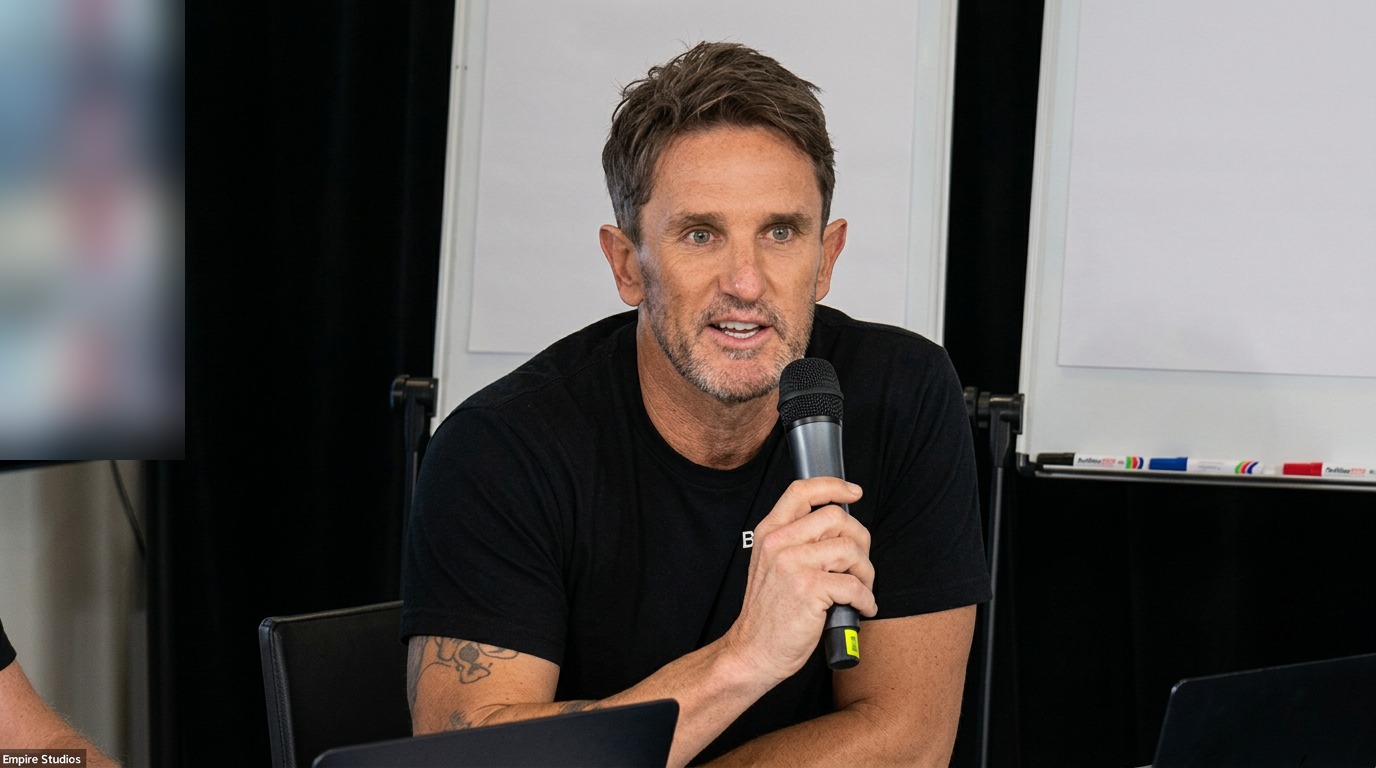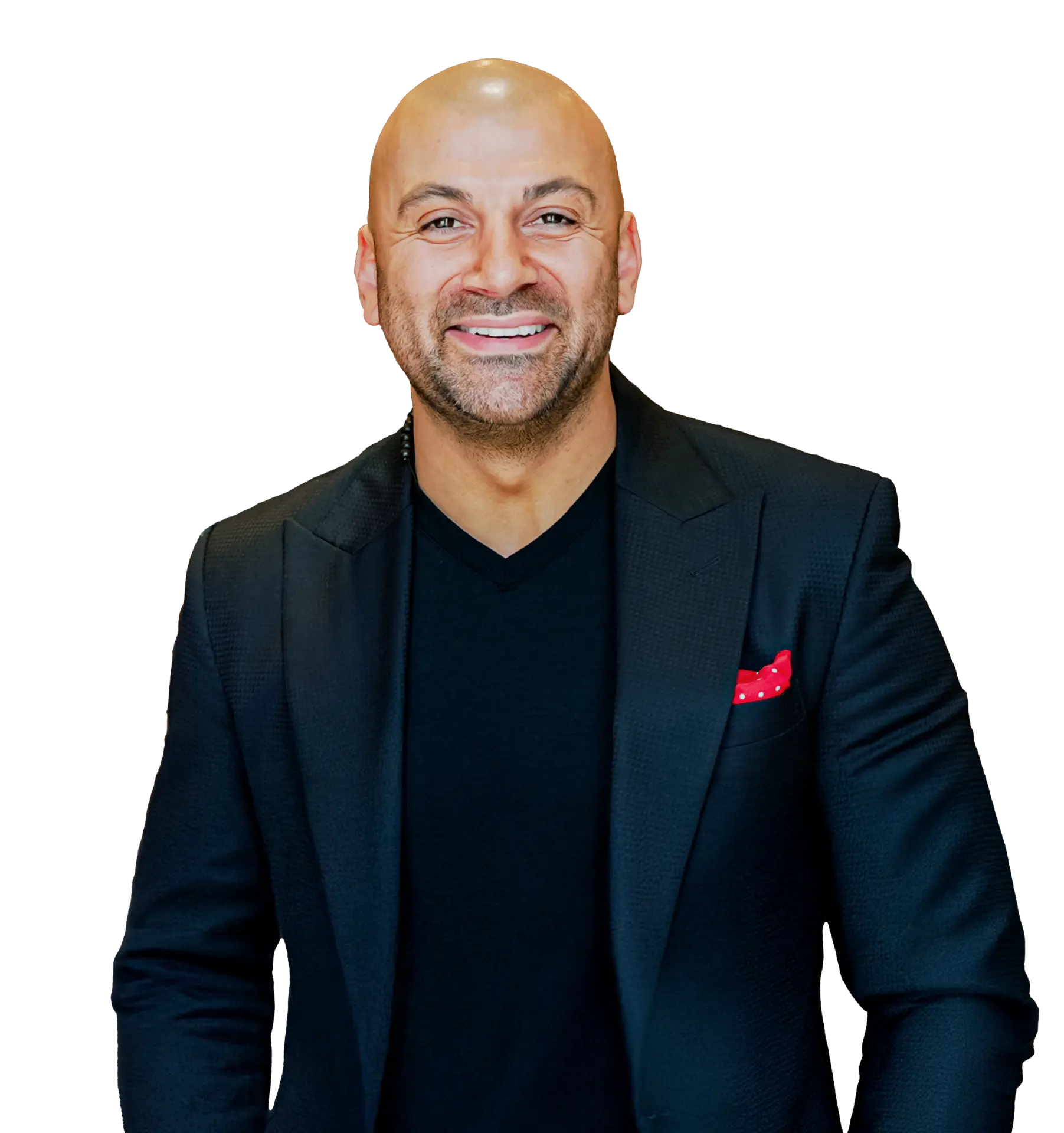
Aaron Sansoni
Founder
23 September 2026
Capture it once, imperfect and all, then let AI turn it into content and a brand worth following.
One hour. Grab your lunch. We'll take real, unpolished footage and turn it into finished, on-brand content live.
What to expect
Watch first
A short preview of what we'll cover and how the live capture-to-post workflow runs.
Session recording
Watch the full session
See the complete Lunch & Learn, including the live workflow, prompts and post-production handoff.
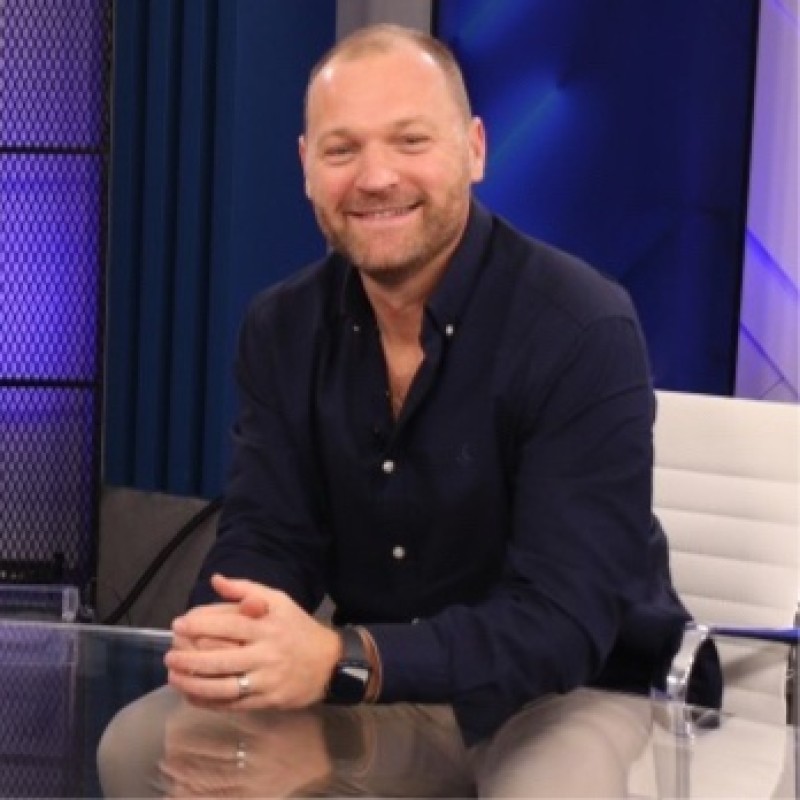
Brandon Burns
Head of Experience, BusinessAI
Presented by
Follow these in order. The project is the box that holds who you are and who you're for. The skill is the process that turns footage into finished posts. Steps 1 to 5 you do once. Steps 6 and 7 are what you do every time you record something.
The project is a box you keep everything in: your brand guidelines, your ideal customer, your raw footage and your finished posts. Everything you do from here happens inside that box, so it never forgets who you are or who you're talking to.
You don't have to write the instructions yourself. Paste this into the project chat and it will draft them for you. The first rule is the important one: every single time you hand it something, it asks you two or three questions first. That's how you know it understood you before it starts writing.
You are the content engine for my personal brand. Write me a set of project instructions I can save into this project. Rule one, and the most important: every time I put something in this chat, before you produce anything, ask me two or three short questions to confirm what I'm trying to do, who it's for, and where it's going to be posted. Then tell me back in one line what you understood, and only then start. The rest of the instructions should cover: my brand voice and words I never use, my ideal customer and how to talk to them, how to find the best moments in raw footage, and how to present finished posts as options I choose from. Write it in plain language, then ask me the questions you need answered to fill in the gaps.
Stop making content for everyone. Pick the one person you want to reach and write them down. Once they're in the instructions, every hook, script and caption is aimed at them instead of at a crowd.
Add an ideal customer profile to the project instructions. The person is [role, for example a busy operations manager in a trades business]. Ask me the questions you need, then write a one-page profile covering their biggest frustration, the words they'd actually use to describe it, what they've already tried, and what a good outcome looks like to them. Then add a brand guidelines section: my tone, the words I use, and the words I never want to see. No marketing speak.
Roleplay as my ideal customer. I'll talk through [topic] as if we're on a call. Ask me two or three follow-up questions the way they would, push back once if I get too generic, and at the end tell me which parts sounded like a real conversation and which sounded like a pitch.
You do not need to know how to write a skill. Tell Claude the outcome you want and ask it to interview you. It will ask a few plain questions, then turn your answers into the skill instructions.
1. What should this skill produce every time?
2. What information should it check before starting?
3. What should the finished result include?
Help me create a Claude skill called clip-and-post. Do not write it yet. Interview me first, one question at a time, so you understand what I want the skill to produce, what it should check before starting, who the content is for, how I want it to sound, which platforms I use, and what a useful finished result looks like. Ask no more than seven short questions. When I have answered them, summarise what you understood and write the complete skill instructions for me to review.
Claude has now written the process for you. Create the skill, paste in the finished instructions, then add one line to the project instructions telling it when to use that skill. Now the box and the process are joined up.
Add this to the project instructions: whenever I upload a video, call recording, voice note or transcript, use the clip-and-post skill, and always read the ideal customer profile and brand guidelines in these instructions before writing anything. Still ask me your two or three questions first.
This is all you do from now on. Drop in whatever you captured today, however rough. It asks you a couple of questions, confirms what you're after, then gets to work.
Here's the raw file from [today's client call / testimonial / podcast / phone video]. Use the clip-and-post skill. Ask me your questions first, then pull the transcript, find the three best moments, and show me what we can make from each.
You should finish with at least three repurposed pieces from that one recording. Each one comes with a video option and a static option, a hook, and copy written for each platform so you can paste it straight in. The last thing it does is hand you off to the editing tool with exact timecodes.
Now lay it out so I can post today. For each of the three moments give me: the timecode, the hook, a short video version and a still-image version, and the copy written ready to paste for LinkedIn, Instagram and TikTok. Tell me which one to post first and why. Then finish with a handoff list: the exact clips to cut in Opus Clip or Descript, the timecodes, and what the caption burn-in should say.
Nothing recorded this week?
I've got nothing planned this week. Look at what we've already got sitting around: calls, testimonials, meetings, voice notes. Suggest five content ideas from it, ranked by how likely they are to land with my ideal customer.
Want more than one angle?
Give me three different caption angles for this clip: one punchy one-liner, one that tells the story behind it, and one that asks a question to start a conversation. Keep all three in my brand voice.
01
A client call, a testimonial, a podcast, footage on your phone. Nothing needs to be planned or perfect.
02
Use a tool like Opus Clip, Descript, Riverside or CapCut to turn long footage into short, captioned clips. Claude doesn't replace these tools, it directs them: telling you which moments are worth pulling before you touch the editor.
03
Hand the clip, or just the transcript, to the clip-and-post skill and get the caption, hook and hashtags written in your brand voice, so every post sounds like you.
04
If your CRM or scheduler connects via Zapier (most do, including GoHighLevel), Claude can automate the handoff so a finished clip and caption lands straight in the queue. Otherwise, ask for the same post formatted three ways, a LinkedIn caption, an Instagram caption, a TikTok caption, so whoever schedules it just copies and pastes.
You do not need all of these. Pick the one that suits how you already record.
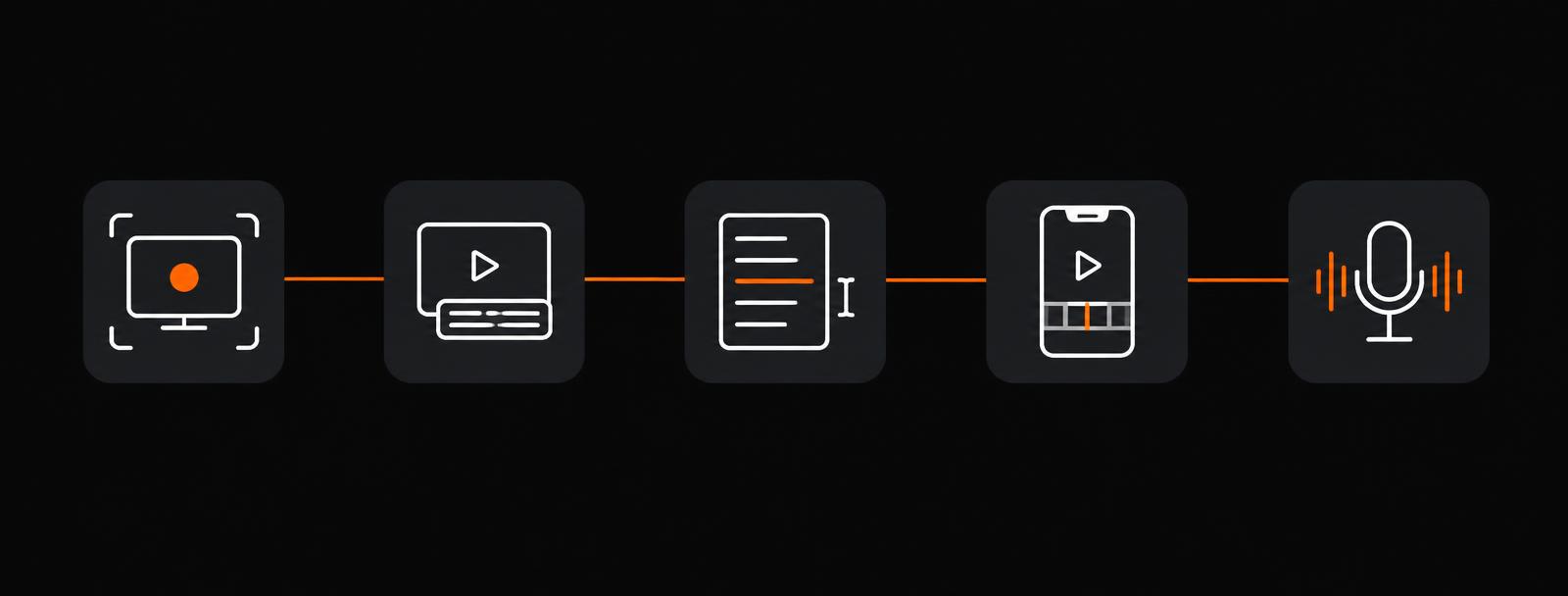
Loom
For capturing screen shares, walkthroughs and quick talking-head videos straight from your desktop. Great for turning a client demo, a how-to, or even a Teams call recap into raw footage you can repurpose, no separate camera setup needed. See the Clone yourself with Loom session in the library below.
Opus Clip
Turns long recordings into short, auto-captioned clips. This is what BusinessAI's own session videos are already made with.
Descript
Edit video like a document, cut filler words out by deleting text.
CapCut
Fast, mobile-friendly cuts and captions.
Riverside
For recording high-quality remote calls in the first place.
Two tools carry the session. Loom to record the raw footage, OpusClip to finalise it into captioned clips. Both have a free plan, so you can follow along without paying anything.

OpusClip
Post-productionWhat it is. An AI video editor that turns one long recording into short, auto-captioned clips in a click. It finds the moments worth posting, adds the captions, and reframes for vertical, square or widescreen.
How we'll use it today. We'll take the raw footage from the session, drop it into OpusClip, and let it cut the best moments into finished, captioned clips ready to post. This is the finalising step after Claude has told us which moments to pull.

Loom
Recording raw footageWhat it is. A screen and camera recorder that runs straight from your desktop, browser or phone. You hit record, talk to camera or share your screen, and get a shareable link the moment you stop.
How we'll use it today. This is how we'll capture the raw footage today. Record a quick talking-head piece or a screen walkthrough in Loom, grab the link, and hand it to Claude to find the best bits before we cut it in OpusClip.
Quick tips before you hit record
Most people think they have nothing to post. They usually have months of it already recorded, written or sitting in their camera roll. Here is where to look first.
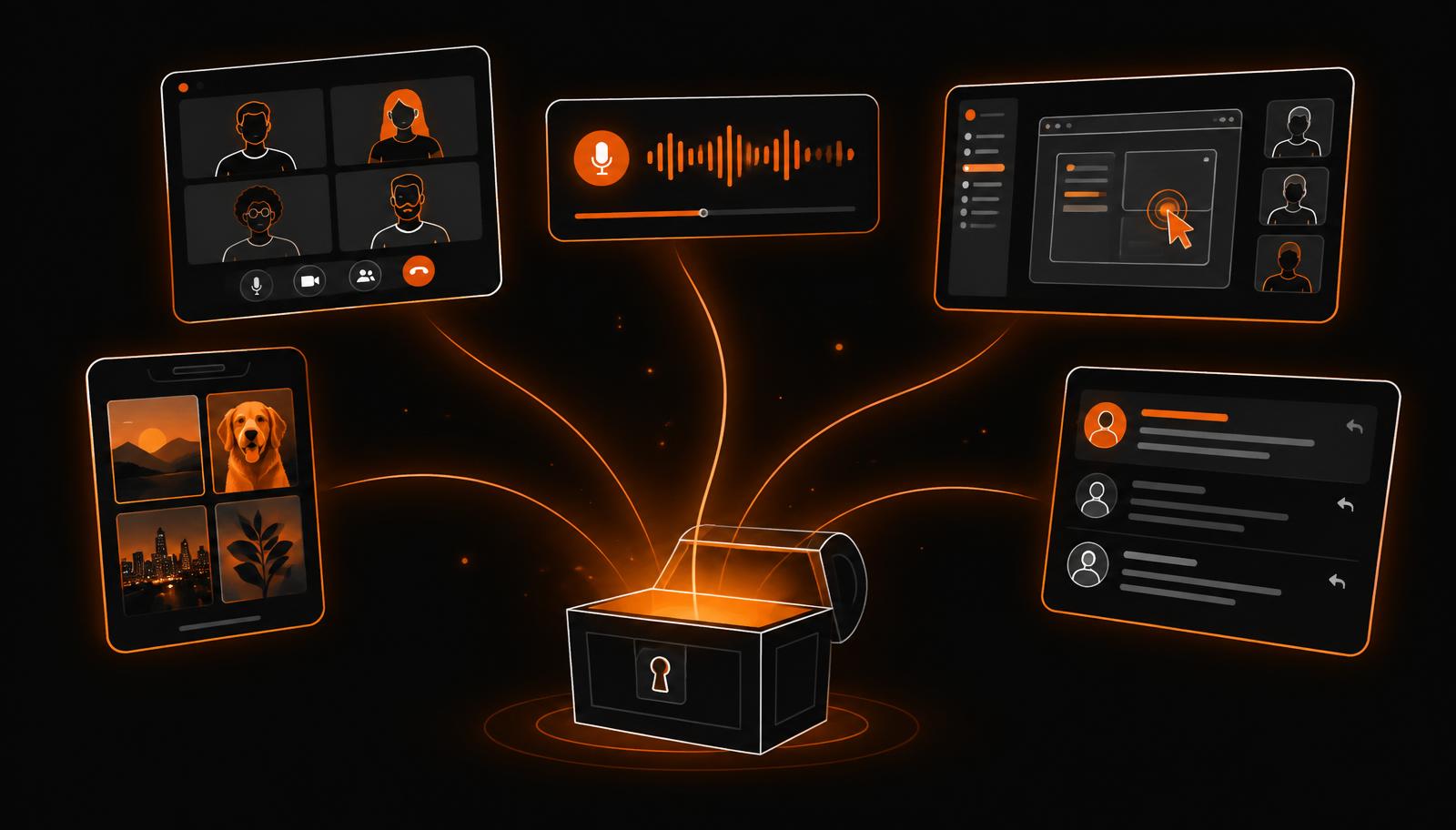
Every call where you explained what you do is a mini masterclass. The bit where the client says "oh, so it just does that for us?" is your hook.
If three clients asked it this month, that is a post. Your inbox and your quotes are a content calendar you already wrote.
The walkthrough you recorded once for a new starter teaches your audience the same thing.
You already explained it clearly, to camera, for free. Strip the client's name and it is a post.
The voice memo you sent yourself at the lights is your rawest, most human thinking. Hand it over as a transcript.
Job sites, before and afters, the whiteboard, the delivery, the team at lunch. Proof beats polish.
The long message you typed in Teams explaining your approach is a finished LinkedIn post in disguise.
Someone already wrote your best copy for you. Quote them and add the story behind it.
Let Claude audit it for you
Don't guess which bits are worth posting. Hand over the list and let it pick.
Here's a list of everything we've recorded or written in the last three months: client calls, Loom videos, team meetings, testimonials, quotes and emails. Go through it and tell me which ten pieces are hiding content we could post, what the angle is for each, and rank them by how likely they are to land with our audience.
The clip is only the first thing in a recording. Once the skill has the transcript, the words are already there, so ask for the quote cards, the carousel and the written post at the same time. One recording, five or six pieces of content.
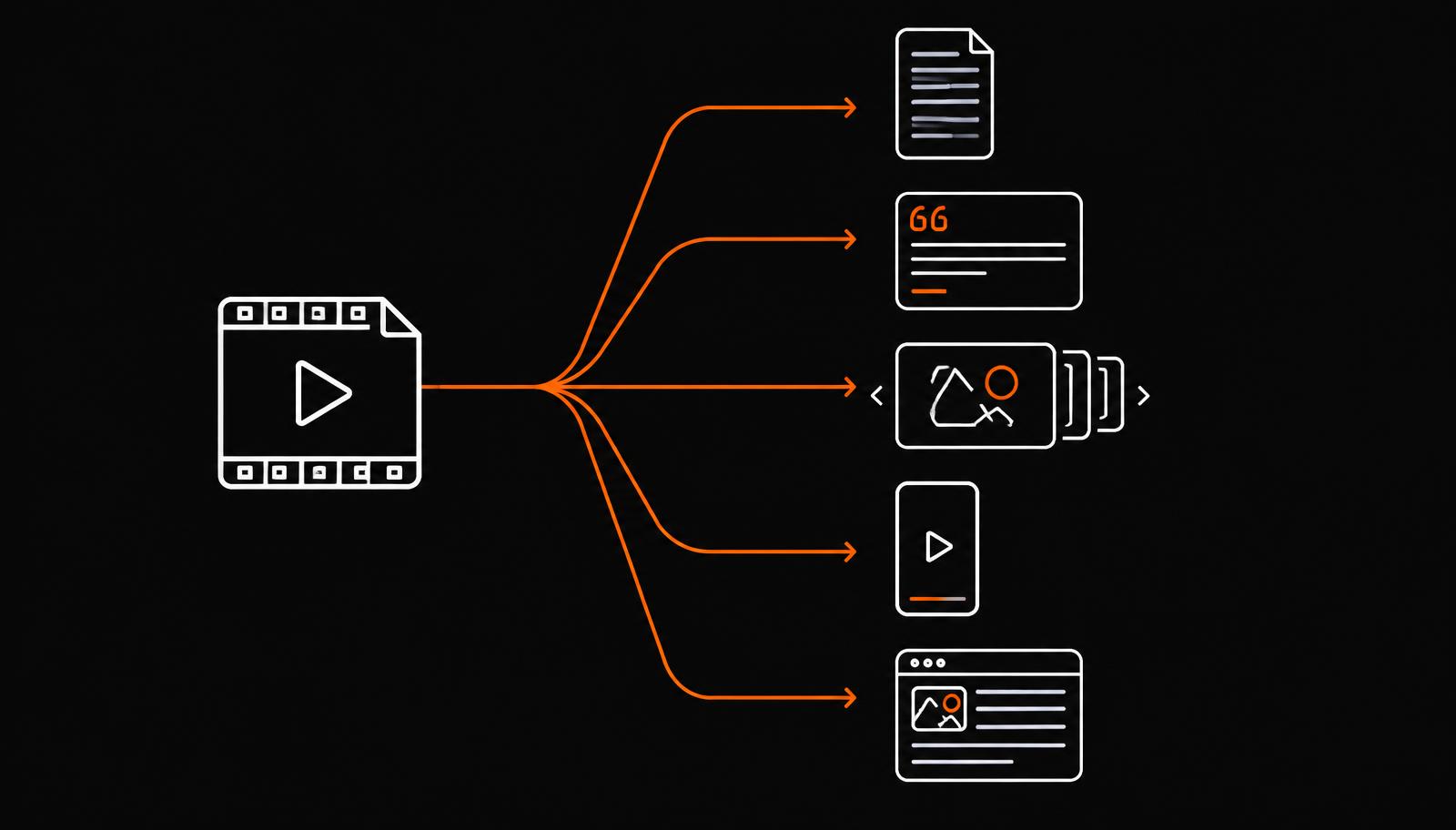
Quote cards
The exact line they said, pulled straight from the transcript.
Carousels
Five slides, one point each, from the middle of the conversation.
Text posts
The story behind the clip, written in your voice, no video needed.
Checklists
Any list you said out loud becomes a saveable graphic.
Email or newsletter
The same content, longer, for people not on social.
Hand Claude the recording link, the auto transcript from Fathom, Teams, Zoom or Loom, or just the caption file from the clip. That text is the raw material for everything else.
Here's the recording and transcript from today's call. Using the clip-and-post skill, read the whole transcript first and give me a short summary, the three strongest moments with timestamps, and the exact quotes word for word.
Take the timestamps straight into Opus Clip, Descript or CapCut. You are no longer scrubbing through an hour of footage guessing where the good bit is.
For the strongest moment, give me the in and out timestamps, a three-word on-screen title, and a hook line for the first two seconds so it stops the scroll.
This is where one piece becomes five. The words are already there, so ask for the still posts alongside the clip.
From the same transcript, now give me the static posts to run alongside the clip: three quote cards with the exact quote and a suggested background, one five-slide carousel with a headline and one line per slide, one text-only LinkedIn post in our brand voice, and one checklist graphic of the steps mentioned.
One recording becomes a fortnight of posting, not a single Tuesday. Ask for the running order too.
Turn all of that into a two-week posting schedule: which piece goes out on which day, on which platform, and give me one follow-up comment I can pin under each post to keep the conversation going.
You don't need a new shoot. If you're already recording client calls in Fathom, Teams or Zoom, that's raw material sitting there, and it's exactly the kind of material a personal brand is built from. You just need a skill that knows what to look for.
Turn this client testimonial call into a 45-second reel with the best quote as the hook, captions burned in, and a caption ready for Instagram.
This is a full podcast recording. Pull out the three most quotable moments and turn each into a short clip with its own caption.
This is a Teams recording of a client walkthrough. Find the moment where they describe the result in their own words, and turn it into a customer-story reel.
[Swap these for the real before and after screenshots straight after the session.]
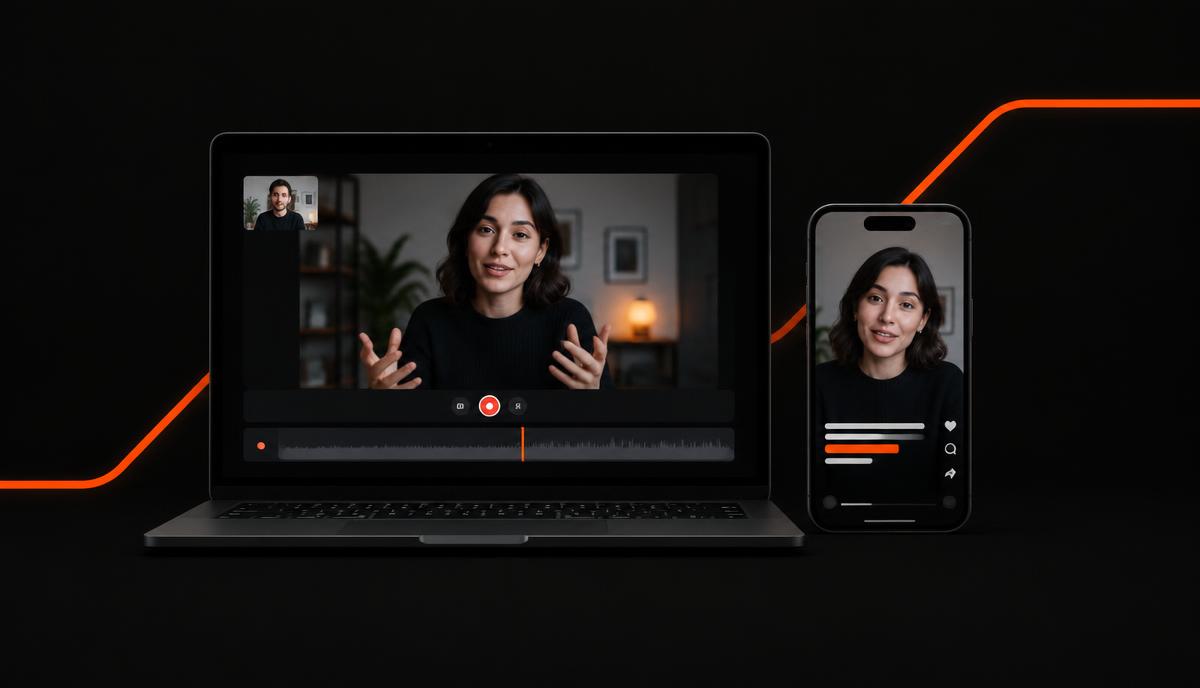
One recorded call, cut down to the 45 seconds worth watching, captioned and captioned again for each platform.
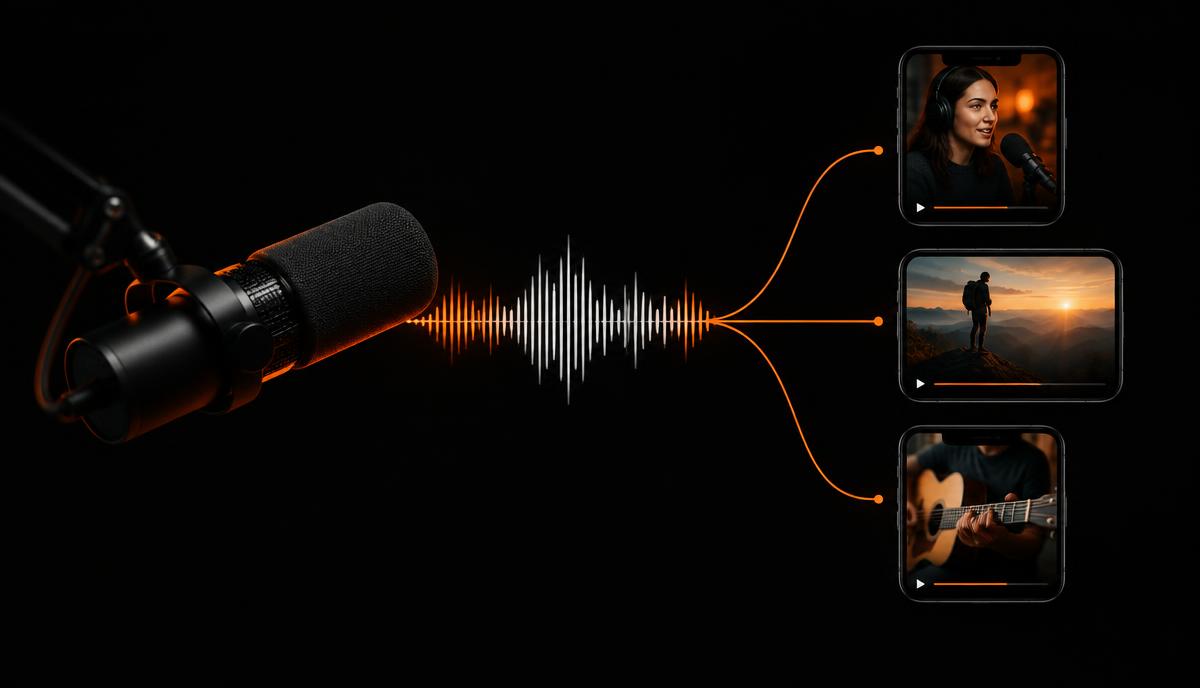
One long recording becomes three separate posts, each with its own hook and caption.
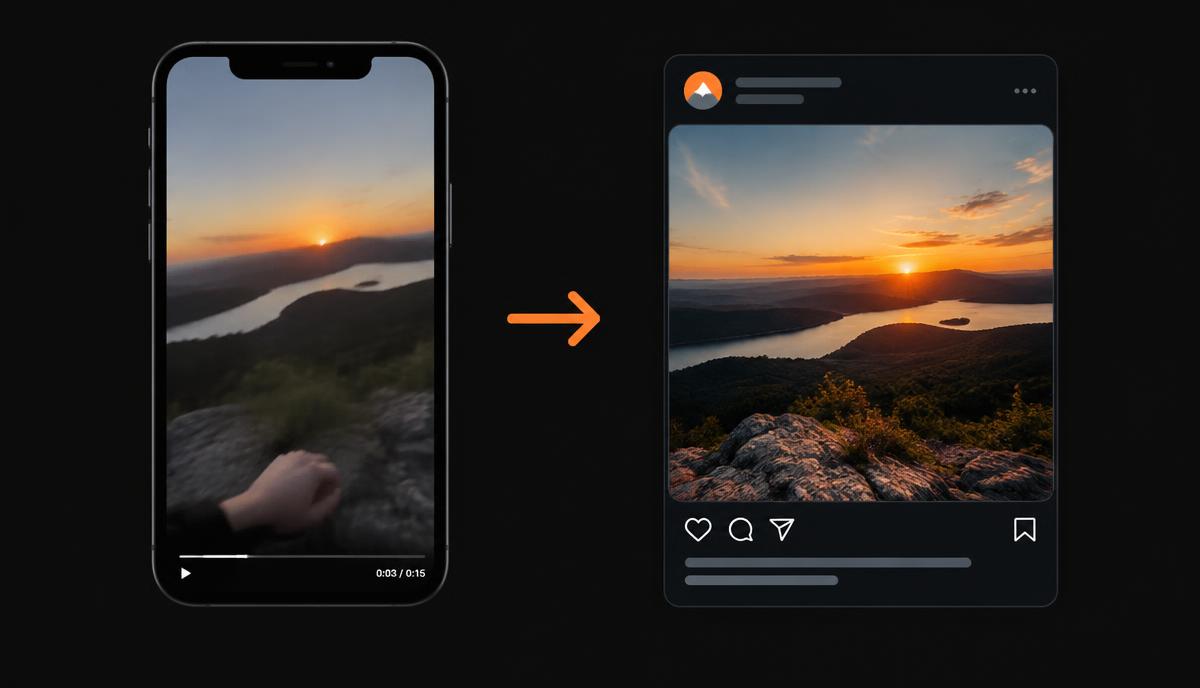
Handheld, unscripted footage turned into something on-brand enough to publish.
1 skill
Set up once
4 steps
Capture, repurpose, caption, post
3 platforms
LinkedIn, Instagram, TikTok, formatted automatically
0 stress
No scripts, no perfect lighting required
Meet the team
Founder
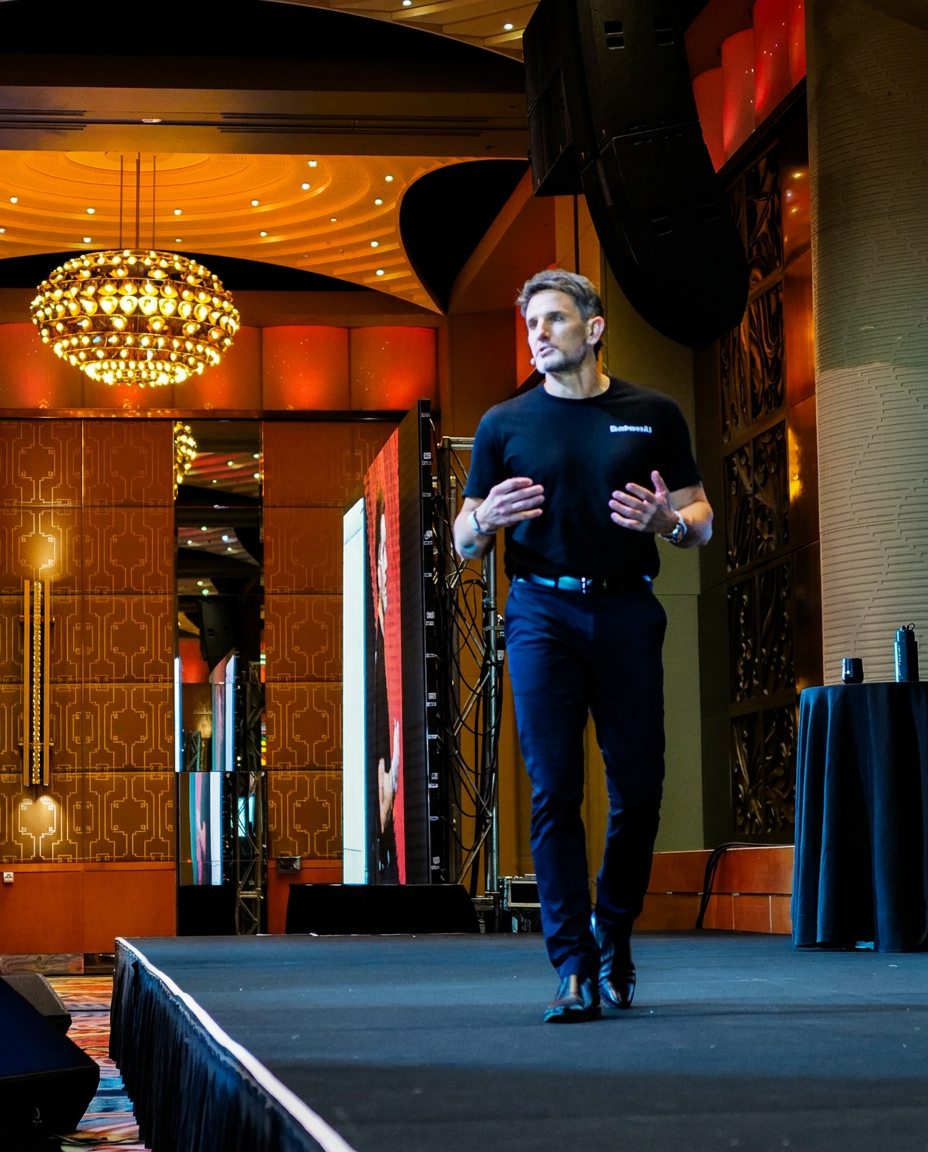
Chief Executive

Vice President, People & Performance

Director of AI & Product

Digital Marketing Manager

Director of Consulting

Director of Sales

AI Engineer
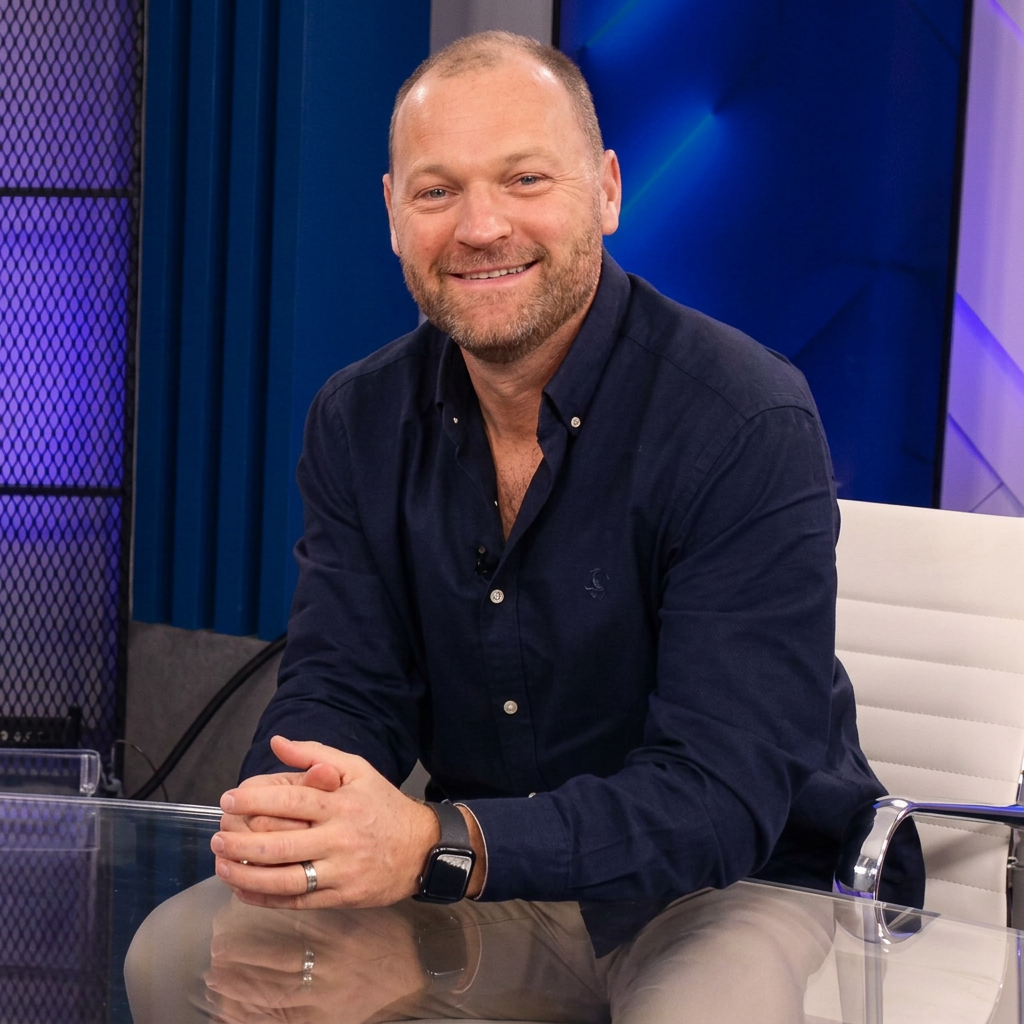
Head of Experience

Senior AI Strategy Consultant

AI Strategy Consultant
AI Growth Partner
AI Growth Partner

Technical Product Manager
Ready for the next step?
Session library
Every Lunch & Learn we have run, with the workbook page for each one. Free to use, no sign-up.
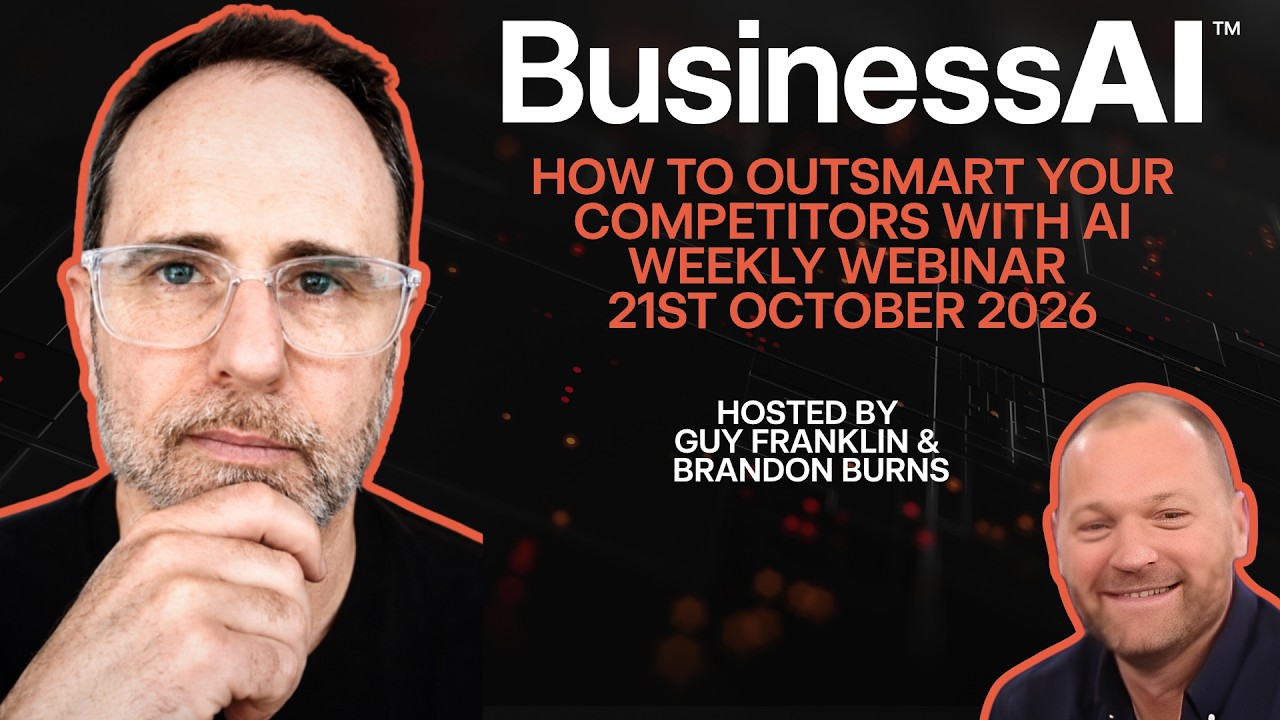
Guy Franklin, Brandon Burns

John Mayers, Brandon Burns
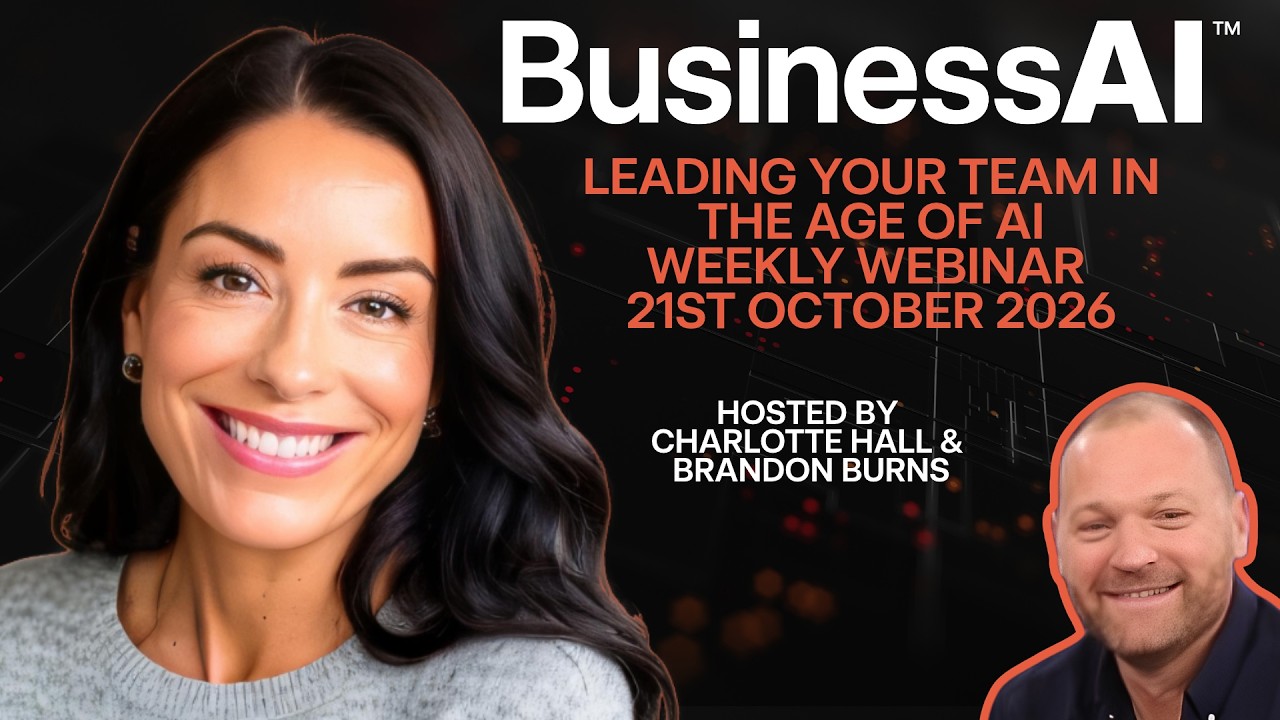
Charlotte Hall, Brandon Burns
Rhys Henderson, Brandon Burns
Brandon Burns
Brandon Burns
You are here
Josh Telford, Brandon Burns
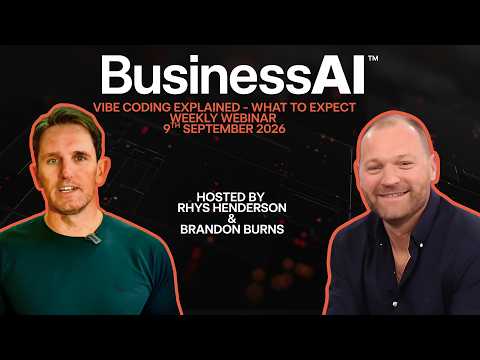
John Mayers, Rhys Henderson